Plandroid - Graphical Air Conditioning Design and Quoting Software
Plandroid Help Documentation
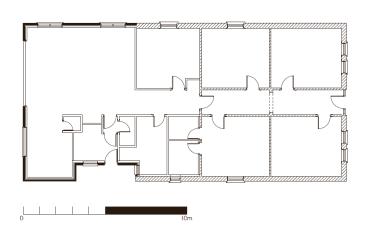 |
If you first create your design and then afterwards change your plan image size or layout, you do not need to redo your design. Simply open the modified plan image by using the Open plan image button in the Design -> Plan toolbox, then use the Scale tool to set the scale of the new image just as you would normally do. Once the scale is set, you can reposition your entire design relative to the changed floor plan in one action by using the menu item Edit -> Select All and then doing a normal drag. Select All will select all objects from all tabs in your design, and allow them to be repositioned as one; however you will need to click and drag an object that is selectable in your current tab.
Go back to How do I?